
Summer Life in the Countryside Free Download Latest Version
Summer Life in the Countryside Download Walkthrough Mod Apk For PC Windows, Mac, Android – You’re spending a boring summer vacation cooped up in your postage stamp-sized apartment..
Developer: Dieselmine – DLsite – Steam
Censored: Yes (Mosaics)
Version: DLC Outing
OS: Windows
Language: English
Voices: Japanese
Genre: 2D Game, 2DCG, Anal Sex, Animated, Voiced, Big Tits, Big Ass, Japanese Game, Vaginal Sex, Groping, Teasing, Adventure, Male Protagonist, Virgin, Oral Sex, School Setting, Incest
- DESCRIPTION
- SCREENSHOTS
- CHANGELOG
- INSTALLATION
- DOWNLOAD
Overview
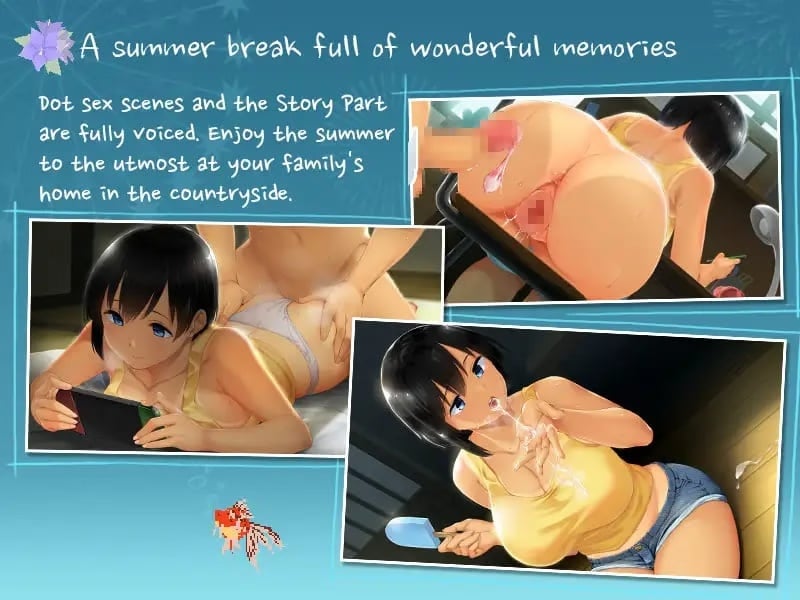
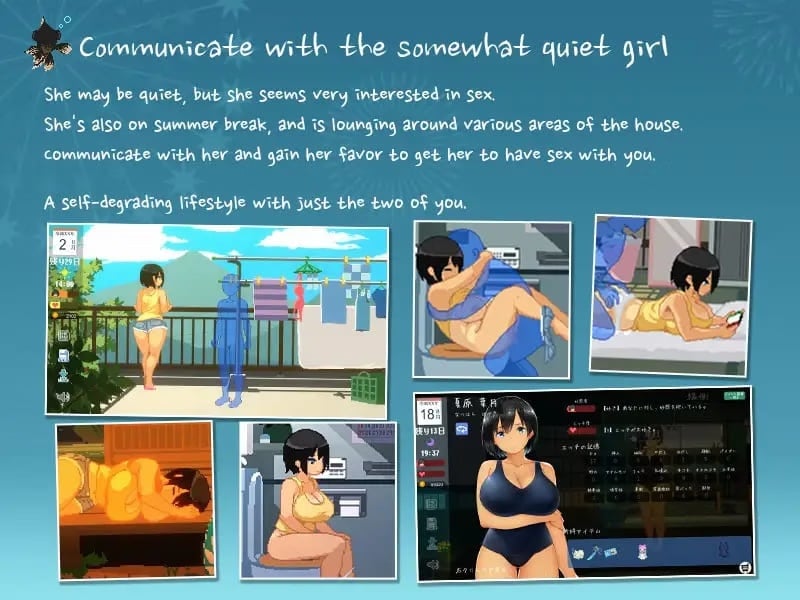
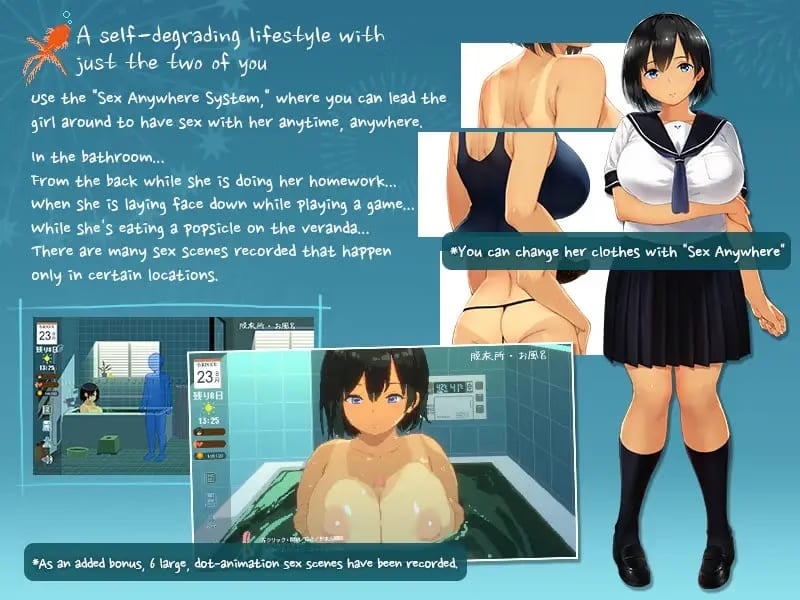
An simulation game about reuniting with your childhood friend,and spending your summer vacation having her.
It’s your summer break right in the middle of summer heat.
You are alone in your apartment, bored with too much time in your hand.
Then, you received a phone call.
「We’ll be going for a trip. Can you come over and look after Hazuki during the summer?」
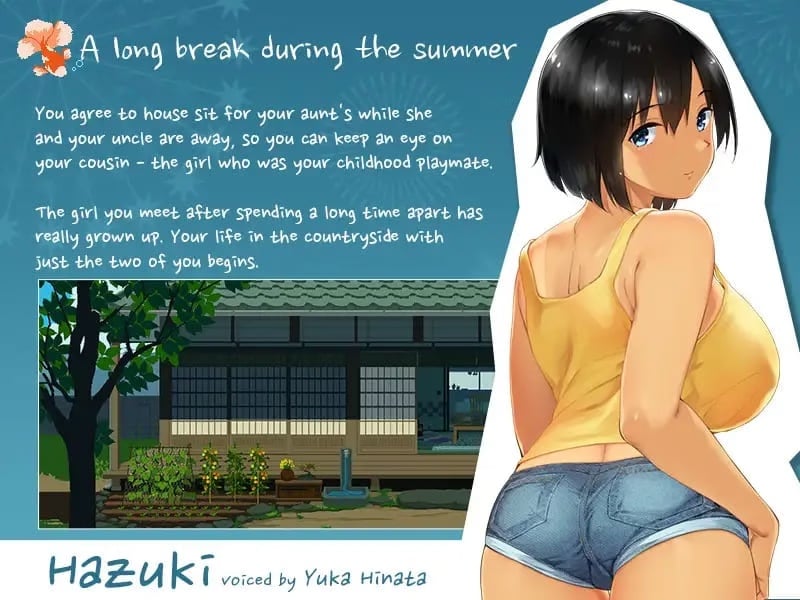
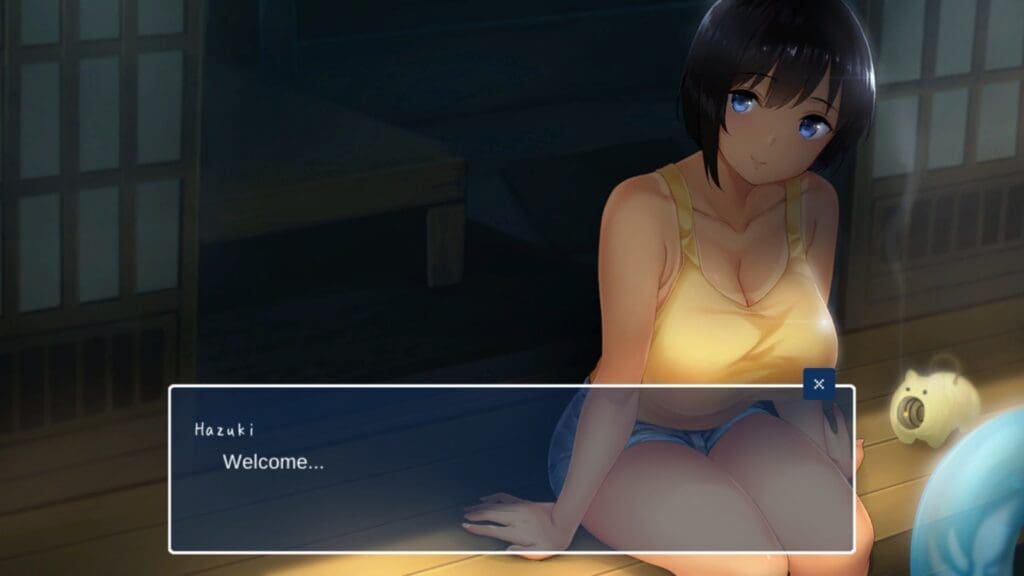
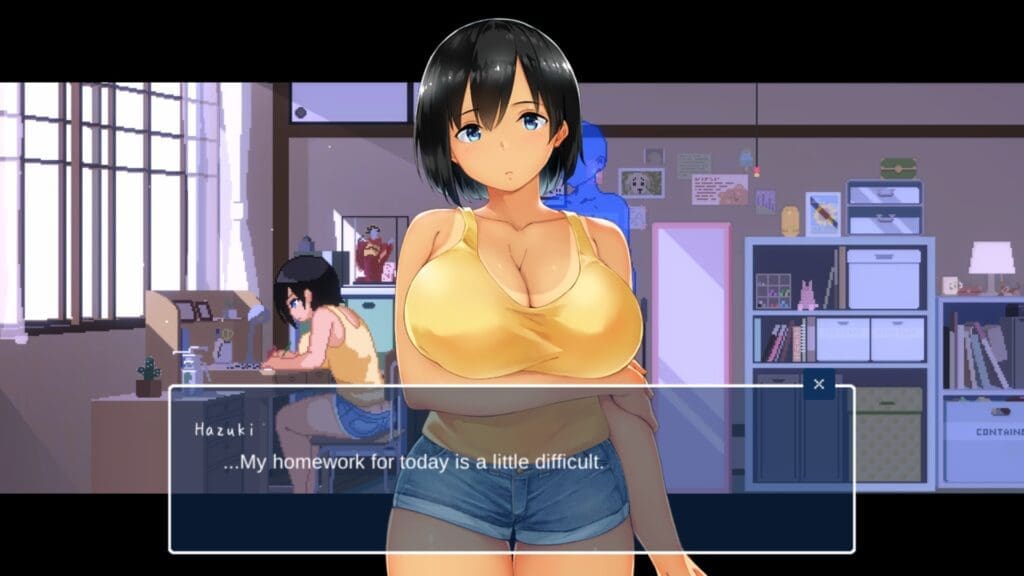
Your childhood friend Hazuki lives in a relaxing countryside surrounded by nature.
It’s probably healthier for you to stay here rather than your apartment in the hot and humid city.
You hurry to prepare yourself for a trip to the countryside.
You’re spending a boring summer vacation cooped up in your postage stamp-sized apartment, when you receive a call from your relative’s mom.
It seems she and her husband are going on a trip, so they want you to come back to the countryside, and look after your old childhood friend Hazuki for a while.
Well, it certainly beats melting here in the city, so you decide to accept the offer.
So you start preparing for the journey…
Screenshots

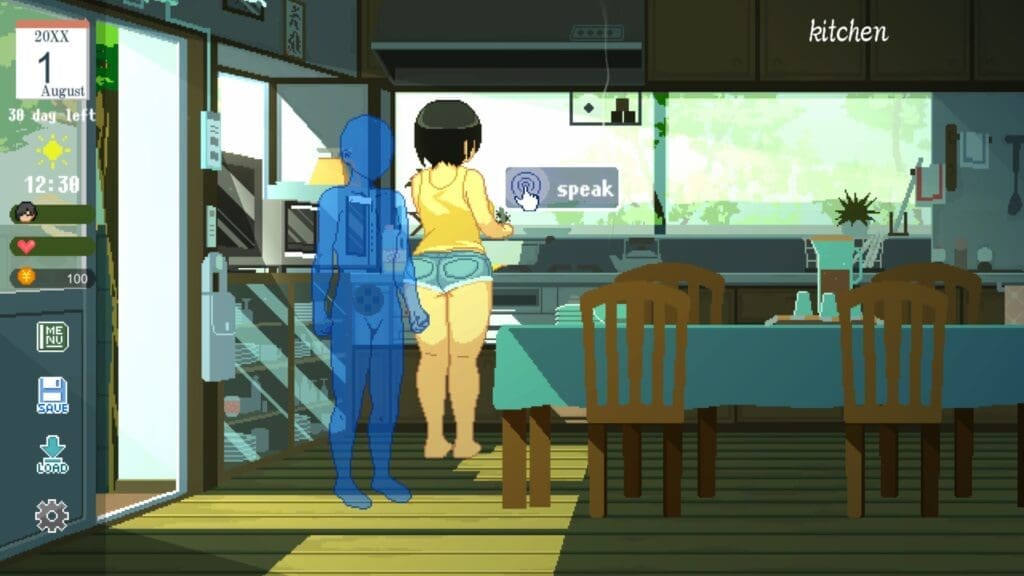
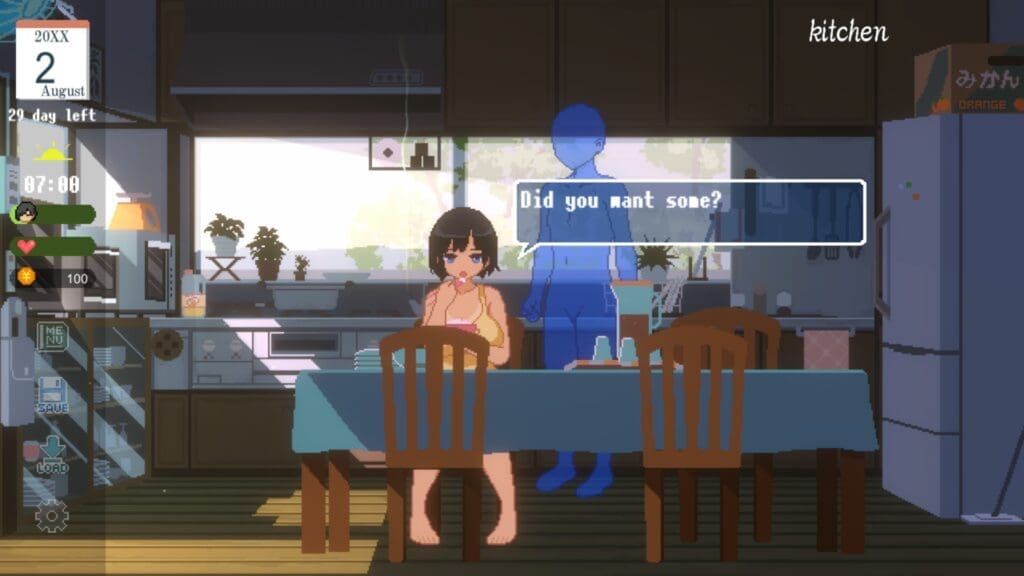
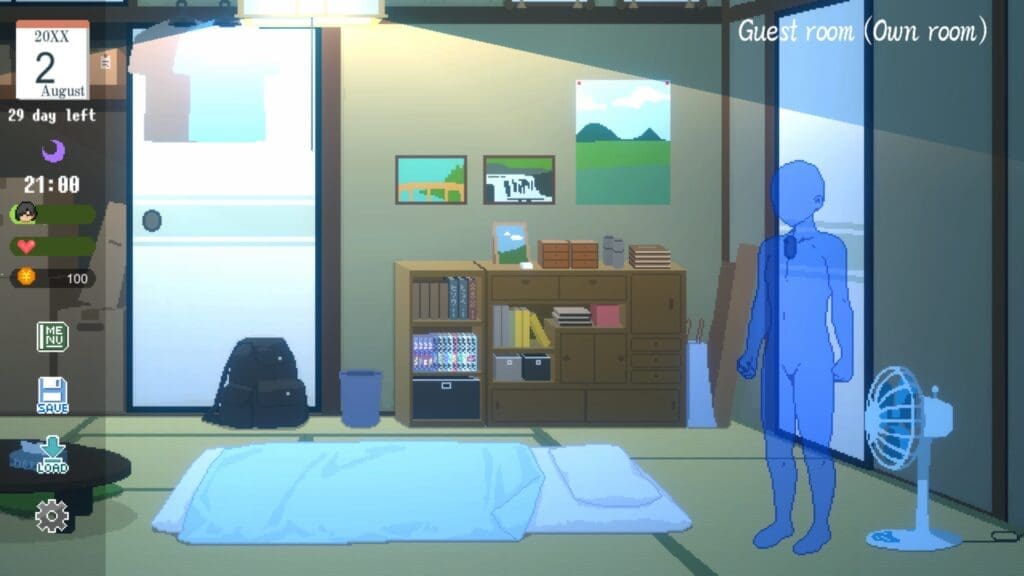
Changelog
–
How To Install Summer Life in the Countryside
- Extract
- Play
The application may not function unless a Japanese language pack is set properly in your PC / the System Locale is set to Japanese.
✅ How to Change Region to Japan
1. Open Settings
- Press Windows + I to open the Settings app.
2. Go to Time & Language
- Click on “Time & Language”
- Then choose “Language & region” (Windows 11)
or “Region” (Windows 10)
3. Change Country or Region
- Under Country or region, select Japan from the dropdown list.
patch doesn’t work